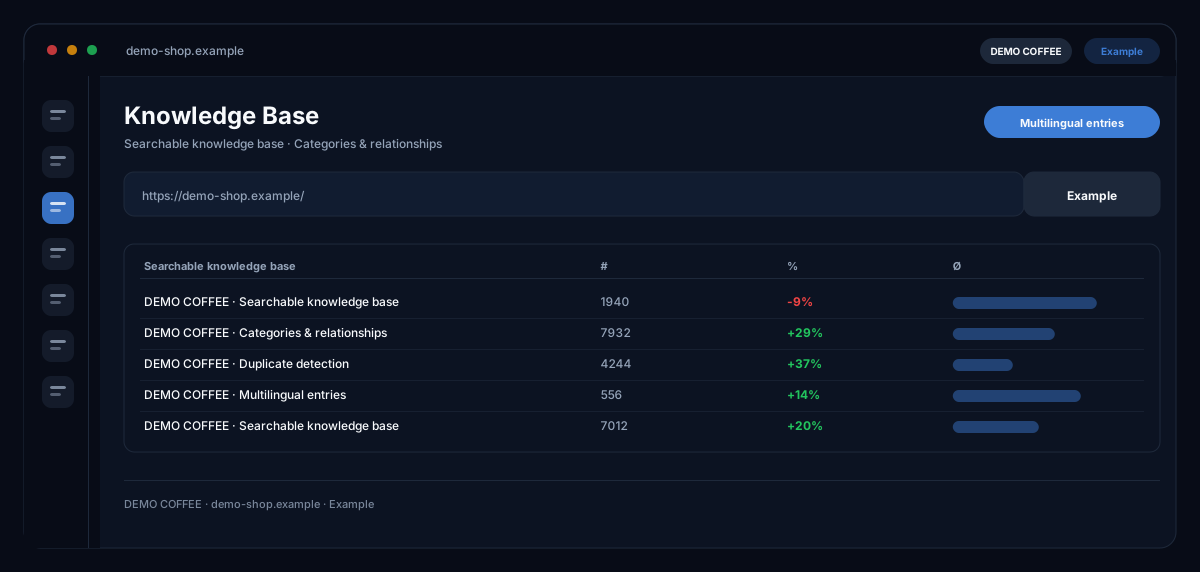
What does the Knowledge Base module do?
The Knowledge Base by ecomDNAI is where your company knowledge lives — products, FAQs, tone of voice, brand rules — so the modules answer with your real data instead of generically.
This is where everything the AI needs to know about your business lives: products, FAQs, tone of voice, brand rules. You fill it by file import (Excel, CSV, PDF, Word) or by hand; a column mapper and a duplicate finder keep it clean. Other modules read from it and answer with your real data instead of generic text.
How it works
- Import entries (Excel, CSV, PDF, Word) or create them by hand
- Map columns, assign categories, clean up duplicates
- Modules access that knowledge automatically
What you get
- Searchable knowledge base
- Categories & relationships
- Duplicate detection
- Multilingual entries
Typical use cases
Set up the product catalogue once, use it everywhere
You import your catalogue from CSV, Excel, JSON, TXT or XML, map the columns to fields and let duplicates be detected. Products from your catalogue — the connected shop, for instance — that are still missing are flagged by the database and imported as drafts, to be checked before publishing.
Turn a PDF or a product page into an entry
Upload a data sheet as PDF or enter the URL of a product page: title, content, image, price, USPs and technical data are extracted and structured automatically. If you prefer speaking, dictate the entry — it is taken down word for word and corrected before saving.
Keep the database clean and current
The analytics tab shows entries with low quality, entries not updated for a long time, empty categories and the most frequent searches. The duplicate finder suggests merges; the AI knowledge assistant answers questions about the stock.
Who it's for
Shops with a range the AI needs to know, customer service teams that want to answer from real FAQs, and agencies that maintain client knowledge per workspace. The database holds what you put in — quality and currency of the entries remain your job; the module only shows you where it sticks.
Frequently asked questions
Which file formats can I import?
CSV, TSV, Excel (xlsx/xls), JSON, TXT and XML through the file import; PDF through its own PDF import that extracts content and fields. Add URL import, manual entry and dictation.
Which modules use the knowledge base?
Text modules that need your range or your FAQs — Customer Service, Product Texter, Content Hub and Campaign Planner, for example — draw on the database as soon as entries are published. Whether and what was used is shown by the respective module.
How do I find an entry again?
Through categories, filters and the semantic search, which searches by meaning rather than wording alone. The search index is built once and can be rebuilt at any time.
What happens to duplicates?
The duplicate finder groups entries of the same category with very similar titles. You merge them, delete individual ones or mark the group as "not a duplicate" — nothing is deleted automatically.
Are entries available in several languages?
Yes. Entries can be translated into further languages; already translated entries are reused. The whole stock can be exported as an Excel file.
What does the knowledge base cost?
Creating, importing, searching and exporting are part of the module. Billed in credits are the AI steps — structuring from file or URL, translating, questions to the knowledge assistant; the module shows the requirement beforehand.