What does the Content Hub module do?
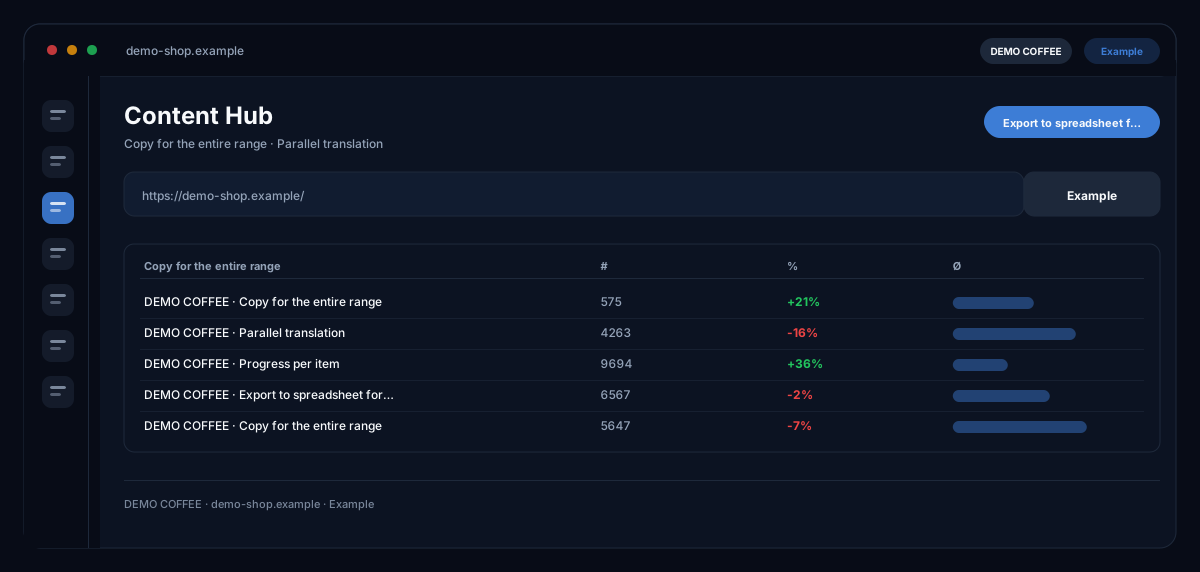
The Content Hub by ecomDNAI is the batch mode of the Product Texter: a product feed in, copy for every item out — with progress per item, translation per product into more than thirty languages and export as ZIP.
The content hub is batch mode: one product feed in, copy for every article out, with per-item progress. Once the copy is there, pick the target languages and translate the whole batch in one run — over 30 languages to choose from, and anything already translated is skipped. Built for ranges where writing item by item simply isn't an option.
How it works
- Load the product feed and map the fields
- Choose the copy settings (length, structure, language)
- Start mass generation, pick target languages, translate everything and export
What you get
- Copy for the entire range
- Mass translation into 30+ languages — already translated items are skipped
- Progress per item
- Export as Excel (translations as sheets), CSV and ZIP (Markdown, HTML, JSON)
Typical use cases
A thousand items, one night
You load the feed as Excel or CSV, map the fields and choose length, structure and language. The run continues on the server even if you close the tab; the coverage view shows which items already have copy so only the missing ones run.
One range for several countries
After the run you translate all results into the target languages — products already translated are skipped. The Excel output places translations as further sheets next to the source language, word for word for the import.
From the feed into the channels
From the hub you create SEO copy, search ads, social posts, Amazon content, images and videos for the product — with the product copy as the basis, without entering the data again.
Who it's for
Shops and marketplace sellers with large ranges, manufacturers with PIM exports, and agencies writing catalogues for clients. Built for volumes where writing one by one is not an option — the spot check before import remains your task.
Frequently asked questions
How does it differ from the Product Texter?
It is the same screen: the Content Hub is the "Bulk texts / PIM" tab for feed operation — load feed, map fields, start batch, check coverage — while the Product Texter is the path for single products and selections from the knowledge base.
How large can a batch be?
As large as your balance allows: before the start the module checks the requirement; if the balance is insufficient, nothing is generated and nothing is charged. If it runs out mid-run, finished texts are kept and the rest continues after topping up.
Can I cancel a run?
Yes. Finished texts are kept; the product in progress is still completed. A batch still running shows its current state the next time you open it.
Which export formats are there?
ZIP with Markdown, HTML and JSON, CSV for import tools, and Excel with one row per product and translations as sheets. Values starting with formula characters are marked as text so spreadsheet programs do not execute them.
Are my internal columns sent to the AI?
Only if you allow it. Extra columns go to the AI as context; if the table contains internal data such as purchase price, margin or supplier, you switch the hand-over off before the run.