What does the Product Texter module do?
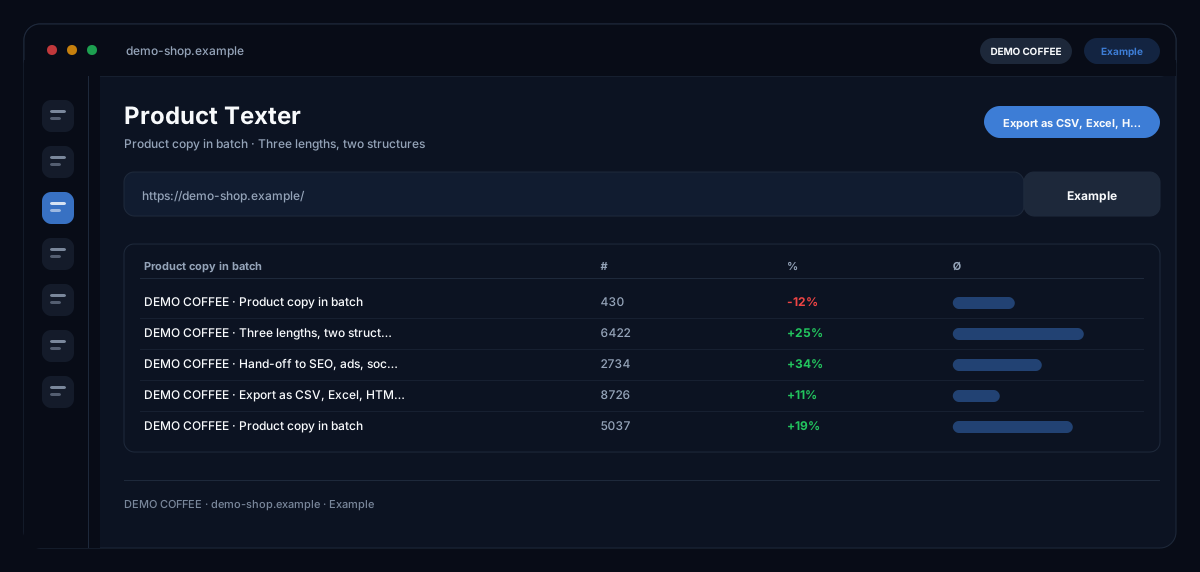
The Product Texter by ecomDNAI writes product copy in batches — from an Excel or CSV list, from your knowledge base or for a single product — at a chosen length and structure, with translation per product and a direct link to SEO, ads, social and images from the same screen.
You upload your product list as Excel or CSV and map the columns once — then generation runs in batch with visible progress. You decide length and structure: short for the shop listing, long and detailed for the product page, specs first or benefits first. From the same screen you can also produce SEO copy, ads, social posts or images for the product.
How it works
- Upload the Excel or CSV file and map the columns
- Choose length and structure (short, standard, long / specs or benefits first)
- Generate the batch and export
What you get
- Product copy in batch
- Three lengths, two structures
- Hand-off to SEO, ads, social and images
- Export as Excel (one row per product, translations as sheets), CSV and ZIP (Markdown, HTML, JSON) — Word and PDF via the projects page
Typical use cases
New range without copy
You upload the product list as Excel or CSV, map the columns once and choose length and structure — short for the listing or long for the product page, tech first or benefits first. The batch runs on the server with progress per item; you can close the tab.
One category text over a selection
From the products in your knowledge base you pick a group and generate a range text that describes what the selection stands for and how to choose within it — one run, one text, instead of one per product.
From product copy to campaign
Once the text stands, the same screen produces SEO meta description, search ads, social posts, image prompts and images for the product; the AI marketing assistant suggests keywords and post ideas. Tips for answer engines (AEO/GEO) come with every text.
Who it's for
Shops with many items, manufacturers and retailers with data sheets instead of copy, and agencies writing ranges for clients. The texter delivers drafts from your data — which version goes into the shop is yours to check and decide.
Frequently asked questions
Which lengths and structures are there?
Short for e-commerce listings, standard and long/detailed for the product page; as structure "tech first" (specs → benefits) or "benefits first". Another structure can be generated afterwards — the original is kept.
Which sources can I use?
Excel or CSV with column mapping, products from the knowledge base, an existing text or pure product data — plus, optionally, a document as PDF or Word whose content is taken into account. Internal columns such as purchase price you switch off before the run.
What happens if credits run out mid-batch?
Finished texts are kept; the rest waits and continues as soon as you top up. If the balance is insufficient from the start, nothing is generated and nothing is charged.
How do I export the texts?
As ZIP, as CSV for import tools in the source language, or as an Excel table with one row per product and translations as further sheets; Word and PDF through the project page.
Can I translate texts?
Yes, per product or all results at once — into more than thirty languages. Products already translated are skipped and cost nothing.
What does a batch cost?
Texts, translations and the connected modules are billed in credits — through a plan or pay-as-you-go; the requirement for the batch is shown before the start. Settings that prove themselves you save as a template.