What does the Personas module do?
The Personas module by ecomDNAI builds three to four buyer personas from your website and a few inputs — with pain points, goals, preferred channels, buying behaviour and typical objections — plus a market overview and recommendations for messaging, customer journey and content strategy.
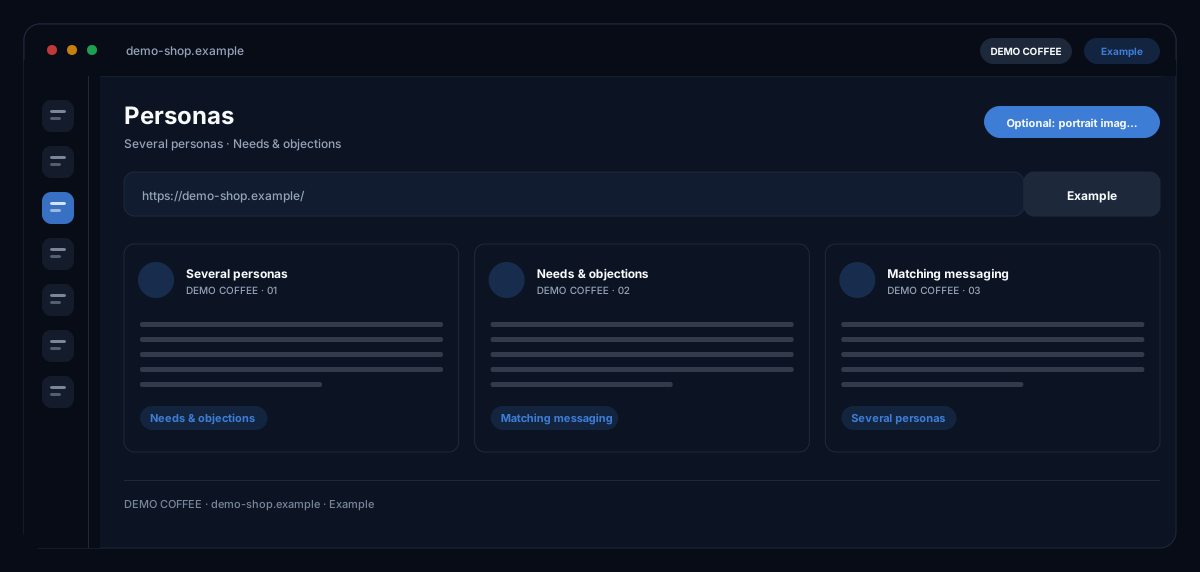
From your website, industry and product the tool builds buyer personas you can reuse across every other module. Each persona comes with needs, typical objections and the messaging that works on them. Optionally the AI also generates portrait images.
How it works
- Enter your website URL — "auto-fill fields" pulls industry and product from the page
- Add target audience and use case, pick the output language
- Generate personas, optionally with AI portraits
What you get
- Several personas
- Needs & objections
- Matching messaging
- Optional: portrait images
Typical use cases
New shop without audience documentation
You enter your website and let industry and product fill in automatically. After the run you have personas with pain points, channels and objections — a written basis your team plans campaigns and content on, instead of guessing anew each time.
An agency takes on a new client
Personas for the briefing come straight from the client's website. As a Word document they go into the review with the client; as a project they stay in the workspace — and can be regenerated with new inputs whenever the range or positioning changes.
Entering another country
You choose the output languages of the target market directly in the module; the personas are created per language as a separate run. With the optional portrait each persona gets a face — visibly labelled as an AI-generated image of a fictional person.
Who it's for
Marketing teams that want their audiences written down, shop owners ahead of their first campaign, and agencies working for several brands. The personas add to what you know about your customers — they replace neither your experience nor the conversation with real customers.
Frequently asked questions
Where does the AI get the information for the personas?
From your website — "auto-fill fields" reads industry and product from it — and from your inputs on target audience and use case. What you enter steers the result; without a website you enter industry and product by hand.
What is in a persona?
Per persona: pain points, goals, preferred channels, buying behaviour, messaging approaches and common objections. On top come a market overview and recommendations on marketing message, customer journey, content strategy and objection handling.
Can I reuse the personas?
A persona can be taken into the image modules as a character and exported as PDF or Word. The result stays saved as a project in the workspace and can be reopened at any time.
Are portrait images generated?
Only if you tick the option at the start. The images are AI-generated and show fictional people; they are labelled accordingly and stored in the asset library.
In which languages are the personas created?
You choose one or more output languages in the module; each language is generated and billed as its own run. The interface itself is available in eight languages.
What does a run cost?
Generation is billed in credits — through a plan or pay-as-you-go; the module shows the credit requirement before the start. Signing up is free and needs no credit card.