What does the Campaign Hub module do?
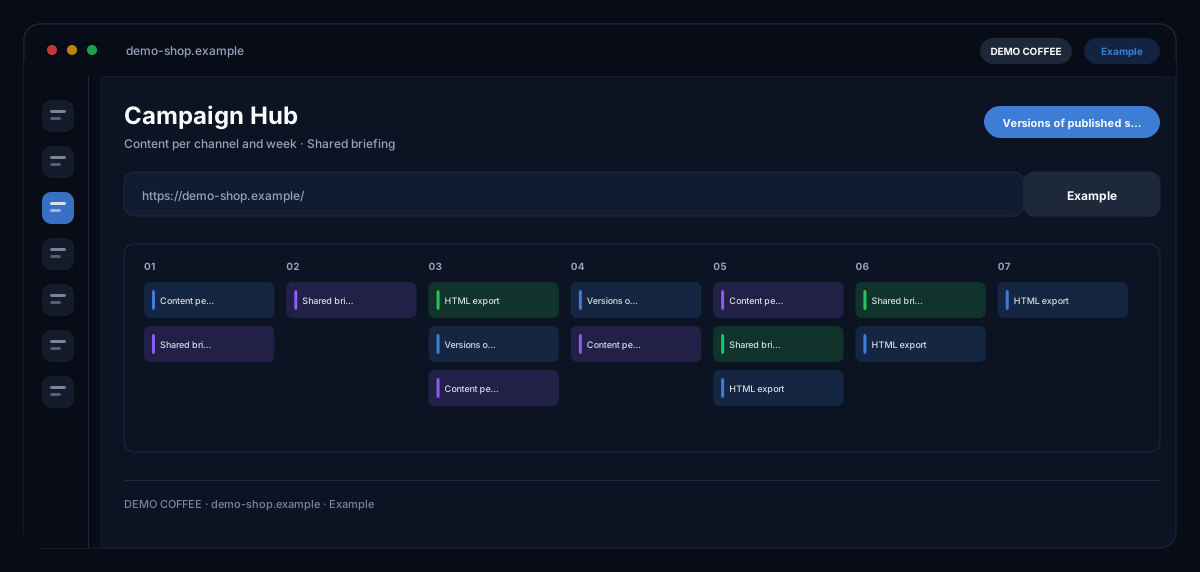
The Campaign Hub by ecomDNAI generates a campaign's content for all channels from one shared briefing — SEO, social, newsletter, search ads and visuals — week by week or in one pass, and keeps published states as versions.
One campaign, one briefing — and out of it the content for every channel: SEO, social, newsletter, search ads and visuals. You generate per channel or all at once, week by week. At the end there's an export, and published states are kept as versions.
How it works
- Pick the campaign and set briefing, industry and goal
- Generate channels one by one or all together
- Review, export and publish the result
What you get
- Content per channel and week
- Shared briefing
- HTML export
- Versions of published states
Typical use cases
Product launch over four weeks
You pick the campaign from campaign planning, set briefing, industry and goal and generate the channels individually or all together. Each week gets its own state; a joint run merges the weeks' topic and hook.
Adjust every channel in one go
The assistant in the tab takes instructions in plain language — "make every CTA more urgent" — and shows the proposed change before you adopt it. Editing happens directly in the block editor; images are created in the hub, with your brand on request.
Hand-over to ad tool and team
Export finished channels as CSV with your own column names to match your ad tool's import format, as JSON or as PDF. Published states remain as versions with HTML export — traceable what was live when.
Who it's for
Marketing teams running campaigns across several channels at once, and agencies delivering weekly packages for clients. The hub bundles generation, editing and export in one place — approval and publishing in each channel stay with you.
Frequently asked questions
Which channels does the hub generate?
SEO content, social media posts, newsletters, search ads (SEA pack) and visuals — per campaign week, individually or together. Images, video, assistant and translations are booked separately and are not part of the channel run.
Where does the campaign come from?
From campaign planning (Content Calendar) or from Campaign Planner V2, whose plan you adopt as a week. Without a campaign set up, the hub stays empty — it builds on an existing plan.
What does "version" mean?
Every published state of a week and channel is stored with number, label and note and can be downloaded or copied as HTML. That keeps it traceable which version was approved when.
How does the assistant work?
You describe the desired change for a block or the whole tab; the assistant shows the proposed version, which you adopt or discard. Simple changes are billed in bundles — the module shows before each change what it costs.
Can I create images directly in the hub?
Yes. For each channel you create images in the desired format and size, with your brand on request. As everywhere in ecomDNAI, generated images are labelled as AI-generated and land in the asset library.