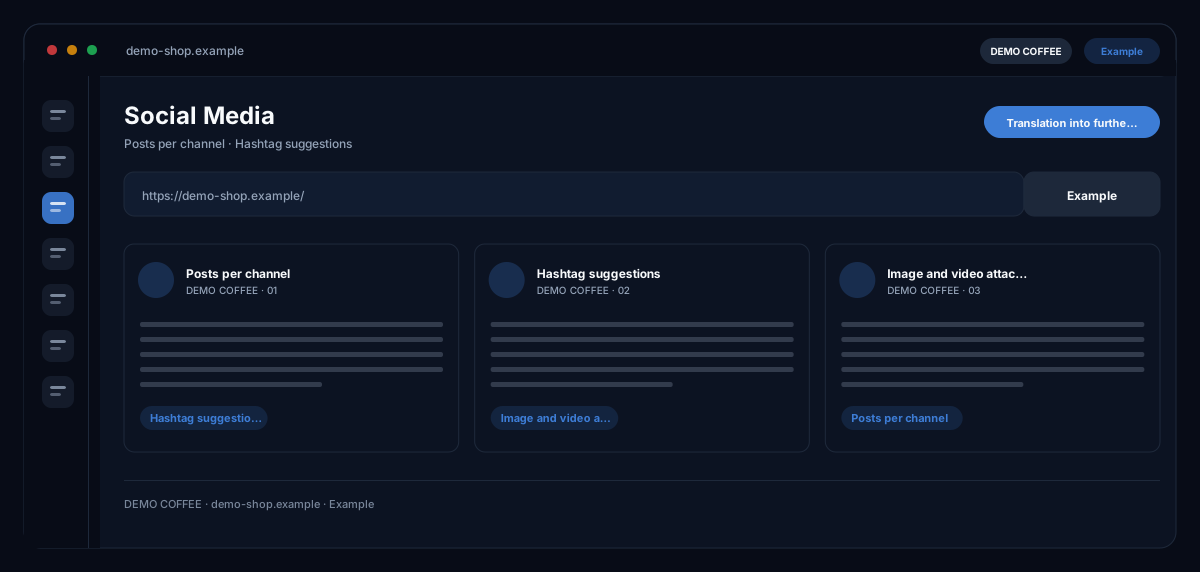
What does the Social Media module do?
The Social Media module by ecomDNAI writes posts from campaign goal and website that fit each channel — length, address and hashtags differ between LinkedIn and TikTok — and creates images, carousels or animated visuals from your product photo and brand identity.
You set the campaign goal, the channels and the number of posts; the AI writes them to fit each channel — length, tone and hashtags differ between LinkedIn and TikTok. Images and videos can be attached straight from the visual modules. Everything can be translated into further languages.
How it works
- Choose the campaign goal and enter the page URL
- Pick target channels and number of posts
- Generate the content, attach visuals, translate
What you get
- Posts per channel
- Hashtag suggestions
- Image and video attachment
- Translation into further languages
Typical use cases
A week of content for three channels
You choose the campaign goal, enter the page URL, set channels and number of posts. Every post comes channel-ready with hashtag suggestions; for the post you create an image with tagline, USPs and CTA button on your product photo or brand background.
A carousel for a product launch
Instead of a single image you build a carousel with three slides — each with its own image and tagline — or image plus animation to download. People in the image are a deliberate choice, not an accident.
A complete campaign pack
The Social Pack generator builds campaign strategy and finished posts per channel from an AI brief in one run; the discovery chat asks the questions beforehand that make the brief sharp.
Who it's for
Shops and brands that want to stay visible without rewriting for every channel, marketing teams with several platforms, and agencies delivering social content for several clients. The module writes and designs proposals — publishing happens in your channels, by you.
Frequently asked questions
Which platforms are posts created for?
Facebook, Instagram, LinkedIn, TikTok, X (Twitter), Pinterest and Threads. Every post is tailored to the channel — length, tone and hashtags differ.
Does the module publish directly to the platforms?
No. You copy texts, download images and animations and publish them in your channels. Generated images also sit in the asset library and are labelled as AI-generated.
How are the images created?
From your uploaded product photo or a brand background from the profile — with tagline, up to three USPs and a CTA button on the image. As a single image, a carousel with three slides or image plus animation; images can be edited afterwards.
Can I adjust posts afterwards?
Yes. The AI social assistant improves texts, suggests better hashtags and engagement tips and takes free change requests; every version stays in the version history and can be restored. Finished content can be translated into further languages.
What does a post cost?
Posts, images, animations and translations are billed in credits — through a plan or pay-as-you-go; the module shows the requirement before the start per number of posts and image quality.