What does the Custom Characters module do?
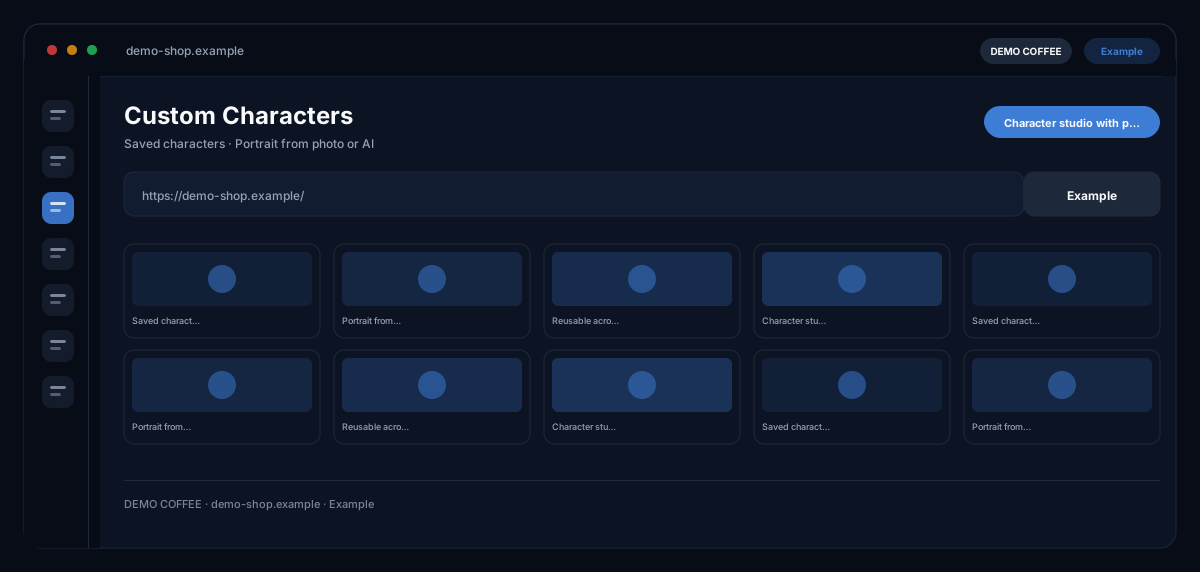
With Custom Characters by ecomDNAI you create figures — name, description, an uploaded photo or a generated portrait — and use the same figure recognisably in images and videos instead of getting a different face with every generation.
You create characters — with a name, a description and either an uploaded photo or a generated portrait. After that the same figure reappears in your images instead of looking different on every generation. Mascots and animals work too.
How it works
- Create the character: name and description
- Upload a photo or have a portrait generated
- Select and use the character in the image modules
What you get
- Saved characters
- Portrait from photo or AI
- Reusable across image modules
- Character studio with presets
Typical use cases
One brand face for every campaign
You describe looks, age, style and personality and have a portrait generated — or upload a photo and confirm the image rights. Then you select the character in the Image Generator or the Image Modifier — and it appears recognisably in every scene.
A mascot or animal for recognition
Characters need not be people: a mascot or an animal can be created just the same and placed in scenes — in the character image studio also as a full-body image, realistic or as an avatar.
A persona gets a face
Link a persona from the Personas module with a character; the persona data enrich the description, and the images match the audience you described.
Who it's for
Brands with testimonial figures or mascots, content teams illustrating series with the same person, and agencies running their own figures for every client. The figures are yours — you confirm the rights to uploaded photos when creating them.
Frequently asked questions
How many characters can I create?
Up to five per account — people or animals. Settings that prove themselves you save as a template in the character image studio.
May I upload a photo of another person?
Only with their consent. When uploading you confirm the image rights; uploading the face of a third party without consent is prohibited. The module gives no legal advice but records the confirmation.
Where can I use the characters?
In the Image Generator, the Image Modifier and the character image studio; generated images sit in the asset library and are labelled as AI-generated.
Which plans include the module?
The Starter, Expert and Pro subscription plans. In the pay-as-you-go plan, Custom Characters and the character image studio are not included — the module says so and offers the switch.
What does a character image cost?
Portrait and full-body images are billed in credits; the module shows the requirement before the start. Creating a character with your own photo is part of the module.