What does the Asset Library module do?
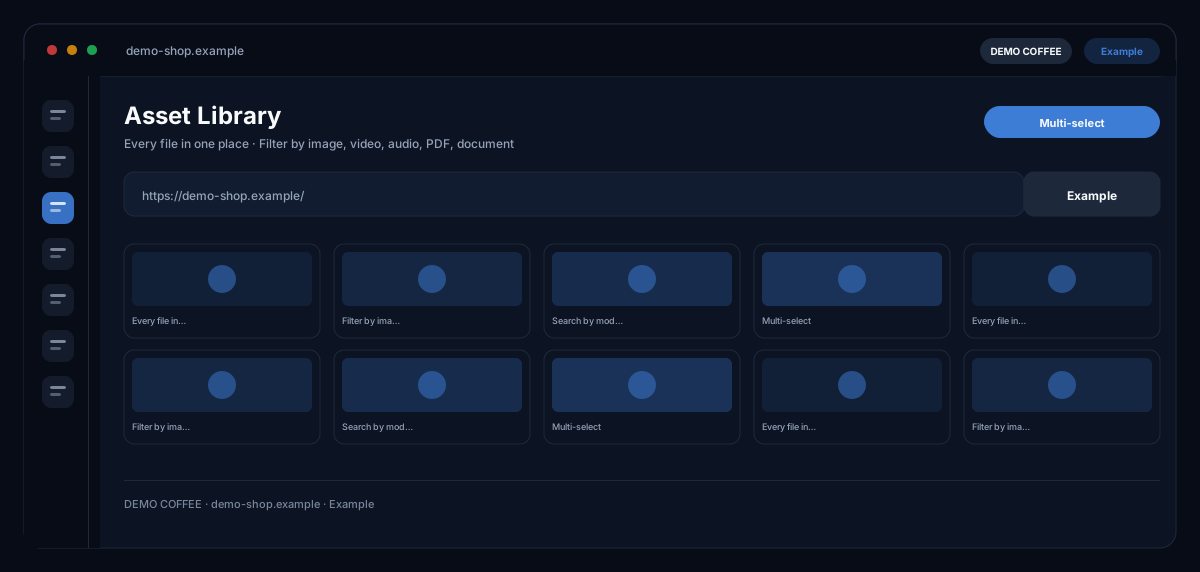
The Asset Library by ecomDNAI automatically collects everything created in the modules — images, videos, audio, PDFs, documents and QR codes — searchable by file name and source module, with tags and multi-select, and passes every asset on to other modules.
Everything the modules produce ends up here: images, videos, audio, PDFs and documents. You search by file name or by which module something came from. Several files can be selected at once and reused.
How it works
- Assets are created automatically as you work in the modules
- Search by file name or module, filter by type
- Select, download or reuse in another module
What you get
- Every file in one place
- Filter by image, video, audio, PDF, document
- Search by module and file name
- Multi-select
Typical use cases
Find last week's visual again
You search by file name or module, filter by image, video, audio, PDF or document and assign tags so campaign material stays together. Download individually or with multi-select.
Reuse an asset in the next module
From Image Generator, Image Modifier, Newsletter or Landing Page you open the asset picker and take over a saved image — without uploading again. From the library you open an image directly in AI image editing or change its background.
Keep things tidy
Assets no longer needed you delete with multi-select — after a confirmation, because deletion is final. Which module created a file stays recorded on the file.
Who it's for
Every workspace in which several modules create images and videos: shops, marketing teams and agencies keeping material ordered per brand. The library manages what your modules have created — it is not a general cloud storage.
Frequently asked questions
What ends up in the library?
Everything generated in the modules: images, videos, audio, PDFs, documents and QR codes — automatically while you work, without uploading yourself. For every file it is recorded which module it came from.
Are AI-generated files labelled?
Yes. AI-generated images and videos carry a machine-readable label and are marked accordingly in the library — as the EU AI Act requires for synthetic media.
Can I use assets in other modules?
Yes. Modules with image input offer "Choose from asset library"; from the library itself you open an image in AI image editing or in the Background Studio.
Does the library cost credits?
No. Searching, filtering, tagging, downloading and deleting are part of the module. Credits are billed only for the generations in the modules the assets come from.