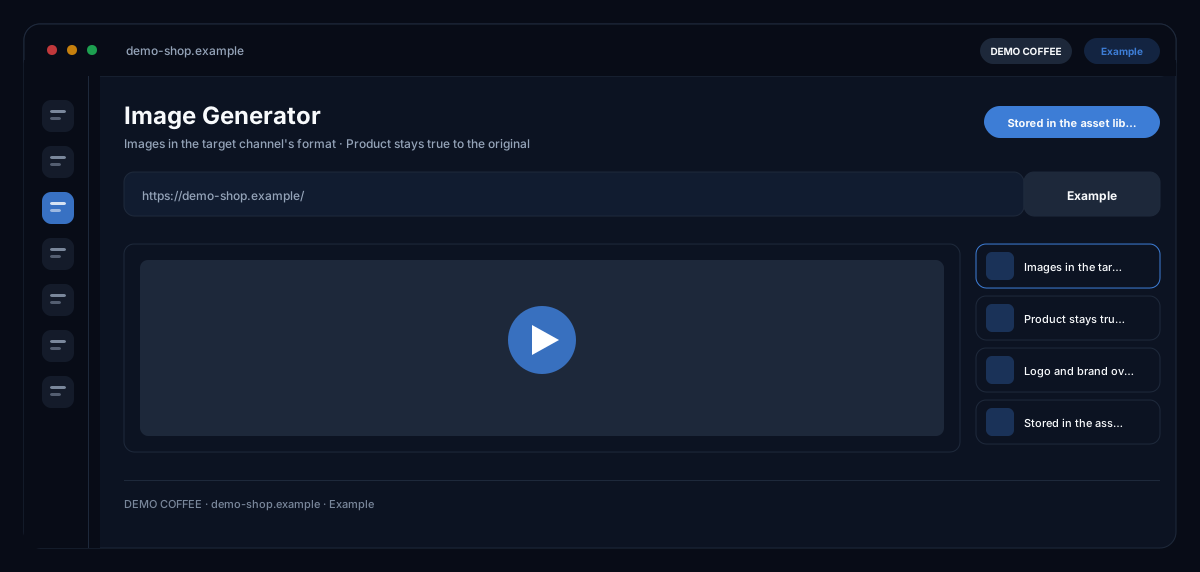
What does the Image Generator module do?
The Image Generator by ecomDNAI places your uploaded product photo into a new scene you describe — the product stays as it is, the surroundings are created anew. You choose target channel and size, the quality level and, if you like, logo and brand colours from your brand identity.
You upload your product photo and describe the scene — the product is placed into the new environment instead of being invented from scratch. Format and size follow the target channel. Logo and brand colours can be pulled from your brand identity.
How it works
- Upload product images and write the image prompt — or pick a template
- Set target channel and image size, place the logo
- Generate the image and post-process it if needed
What you get
- Images in the target channel's format
- Product stays true to the original
- Logo and brand overlay
- Stored in the asset library
Typical use cases
One product photo, many channels
You upload the product photo and describe the scene. Pick the target channel from a list — Instagram, Facebook, LinkedIn, TikTok, marketplaces, Google Display, website — with the matching sizes. Every result can then be derived for all other channel formats by cropping, without a new generation.
Seasonal campaign visuals without a photo shoot
The same product in front of a summer, Christmas or studio background: you only change the scene description, upload a style image as a reference if you like and generate several variants. Settings that prove themselves you save as a template for the next visual.
On-brand ad images
After generation you add a tagline and up to three USPs as text in the "Finalise image" step and place logo and CTA button from your brand identity on top. The finished image sits in the asset library and is labelled as AI-generated.
Who it's for
Shops and brands with many products and a small photo budget, marketing teams that need channel formats in series, and agencies maintaining visuals for several brands. The module delivers image proposals based on your photo — you make the selection and the approval.
Frequently asked questions
Does my product really stay true to the original?
The module works with your uploaded photo as the template: the product is placed into the described scene, not reinvented. Still, check the result before publishing — fine details such as labels or lettering deserve a second look, and you can generate new variants at any time.
Which quality levels are there?
Four: Fast for drafts, Balanced, Best Quality and Perfect with higher resolution. The level determines model, duration and credit requirement — the selection shows all three before the start.
In which formats are the images created?
You choose a target channel with preset sizes or your own width and height. A finished image can be derived for all channel formats by cropping — without a new generation and without further credits.
Can I include logo and brand colours?
Yes. With brand identity switched on, your brand guidelines flow into generation; in the "Finalise image" step you place logo and CTA from the brand profile on the image and add tagline and USPs as text.
Are the images labelled as AI-generated?
Yes. Every generated image carries a machine-readable AI label and is marked accordingly in the asset library — as the EU AI Act requires for synthetic media.
What does an image cost?
Generation is billed in credits — through a plan or pay-as-you-go; the requirement depends on the quality level and is shown in the selection before the start. Deriving further channel formats by cropping costs nothing.