What does the Background Studio module do?
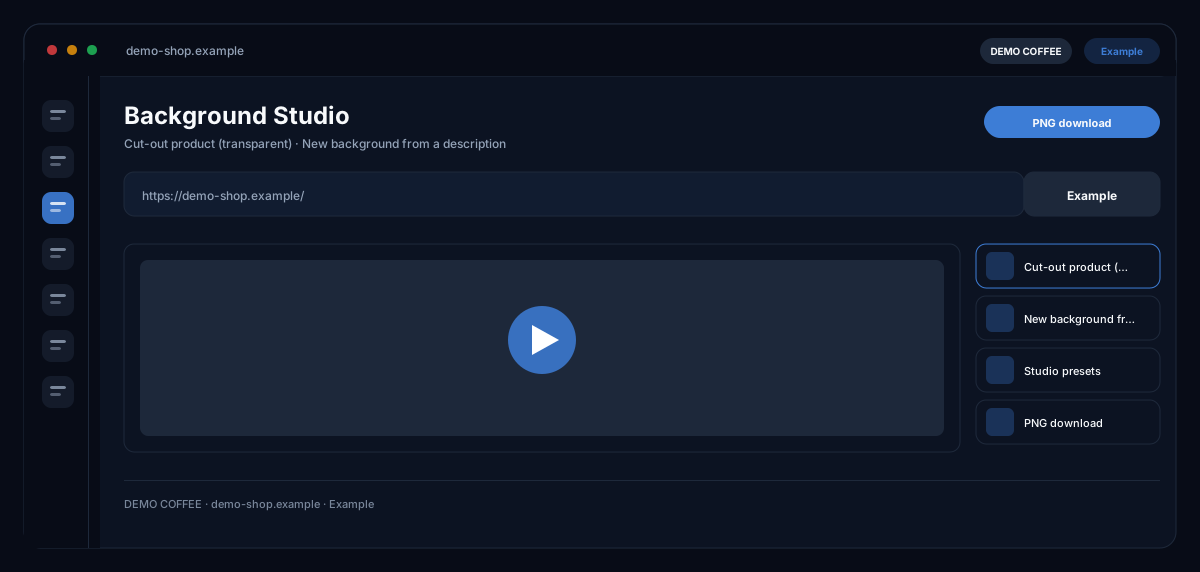
The Background Studio by ecomDNAI cuts products out — on a pure white studio background or as a transparent PNG with alpha channel — or replaces the background with a described scene or your own template; the foreground stays unchanged.
Three modes: cut the product out onto a pure white studio background, cut it out as a transparent PNG, or replace the background with a new one from a description. Ready-made studio presets save you writing that description. A phone snapshot turns into a product shot that looks like a studio.
How it works
- Upload product images
- Choose the mode: cut out (white background or transparent PNG) or replace via prompt
- Pick a studio preset or write your own background prompt, then generate
What you get
- Cut-out product on white or transparent
- New background from a description
- Studio presets
- PNG download
Typical use cases
Marketplace images on white
You upload several product photos, choose "Cut out (white background)" and the image size in pixels. The AI places every product on pure white studio ground; you download all results at once.
Transparent PNG for layouts
The "Cut out (transparent PNG)" mode is a real cut-out with alpha channel — no image model, no prompt. The product is fitted in, never cropped; you place the PNG on any background in newsletter, landing page or ad.
Seasonal scene instead of a photo shoot
You describe the new background or upload a background template into which the product is placed. With brand identity switched on, the brand colours tint the background; logo and CTA you place on every result afterwards.
Who it's for
Shops with lots of everyday product photos, marketplace sellers with white-background requirements, and agencies unifying product images for several brands. The studio changes only the background — your product stays as photographed.
Frequently asked questions
What is the difference between the three modes?
Cut out on white uses the image model for a pure white studio look; cut out as transparent PNG is a real alpha-channel cut-out without model and without prompt; replace by prompt places the product in a described or uploaded scene.
Does the product stay unchanged?
Yes — the studio replaces, cuts out or restyles the background; the foreground stays as it was photographed. The original can be shown next to the result at any time.
What size are the results?
You set width and height in pixels — 1024×1024, 1080×1920 or 1920×1080 are common — and the result is cropped exactly to that; the highest quality level delivers 2K.
Can I include logo and CTA?
Yes, after generation on every result; position, size and opacity follow your brand identity rules automatically. For further edits you open the image directly in the Image Modifier.
What does an image cost?
Every generation is billed in credits — through a plan or pay-as-you-go; you see the requirement before the start per mode and quality level.