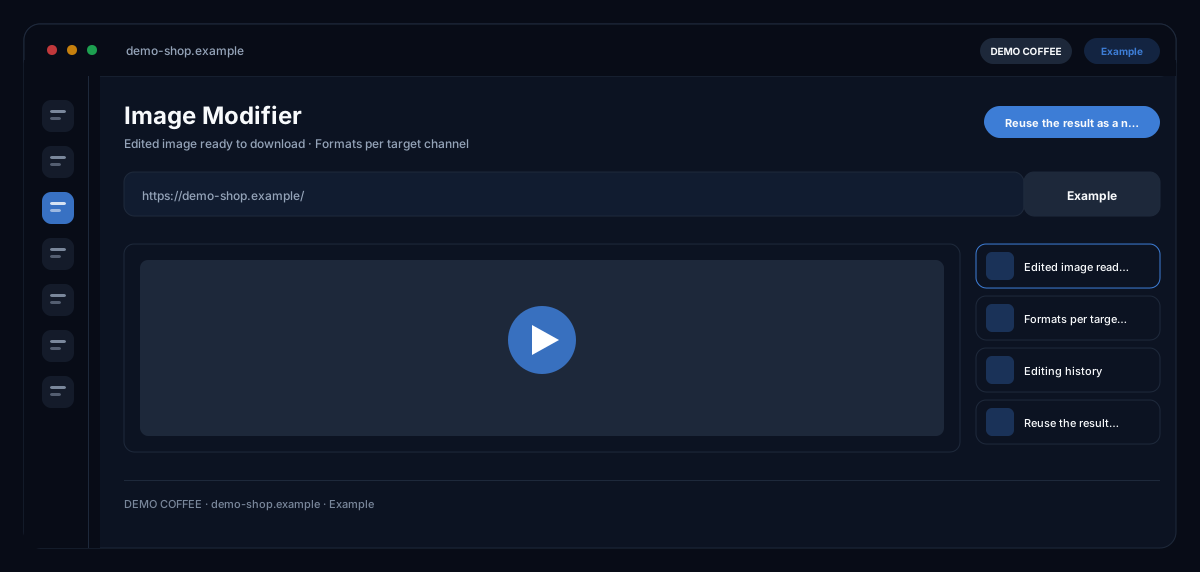
What does the Image Modifier module do?
The Image Modifier by ecomDNAI changes an existing image in single, combinable steps — mark an area and describe it, add people or products, translate text in the image, adjust the format, place logo and CTA — and every result can become the source of the next step.
An existing image goes in and comes back changed: different format, different background, translated text inside the image. Every step lands in the history, and a result can be set as the new source for the next step. That's how one motif becomes a whole series.
How it works
- Add the image by drag & drop (JPG, PNG, WEBP)
- Choose editing options, quality, format and target channel
- Apply, download or reuse it as the new source
What you get
- Edited image ready to download
- Formats per target channel
- Editing history
- Reuse the result as a new source
Typical use cases
A campaign from one visual
You upload the visual — or fetch it from the asset library or the knowledge base — and apply options one after another: people into the scene, tagline and USPs, then logo and CTA from the brand identity. Every step lands in the history; the result becomes the new source.
Change one detail precisely
You draw a rectangle on the image and describe what exactly should be different there — the rest stays untouched. Required fields are confirmed and locked before the first step so the AI stays consistent across all edits.
One visual for another market
Text in the image is translated into the target language and the image rebuilt; then you adapt the format to the target channel — Facebook, Instagram, LinkedIn, TikTok, marketplaces, website or a custom size — and upscale it if needed.
Who it's for
Shops and brands with existing imagery needed in variants, marketing teams adapting visuals per channel, and agencies deriving series from one key visual. The original is kept — every edit is its own, traceable step.
Frequently asked questions
Which edits are there?
Free editing with prompt and negative prompt, CTA and logo, targeted editing of a marked area, image translation, adding people, inserting your own character, adding products, tagline and USPs — plus format per target channel and upscaling.
Why are required fields locked?
So the AI has the same specifications in every step. You confirm the details once; after that they are fixed until you reset the edits — the original image is kept.
Can I insert my own character?
Yes, from "Custom Characters" — in the highest quality level. That way the same figure appears recognisably across different visuals.
What happens to the history?
Every step is saved; you can download each result or reuse it as a new source. Generated images sit in the asset library and are labelled as AI-generated.
What does an edit cost?
Every option is billed individually in credits — through a plan or pay-as-you-go; the requirement is shown at each option before you apply it.