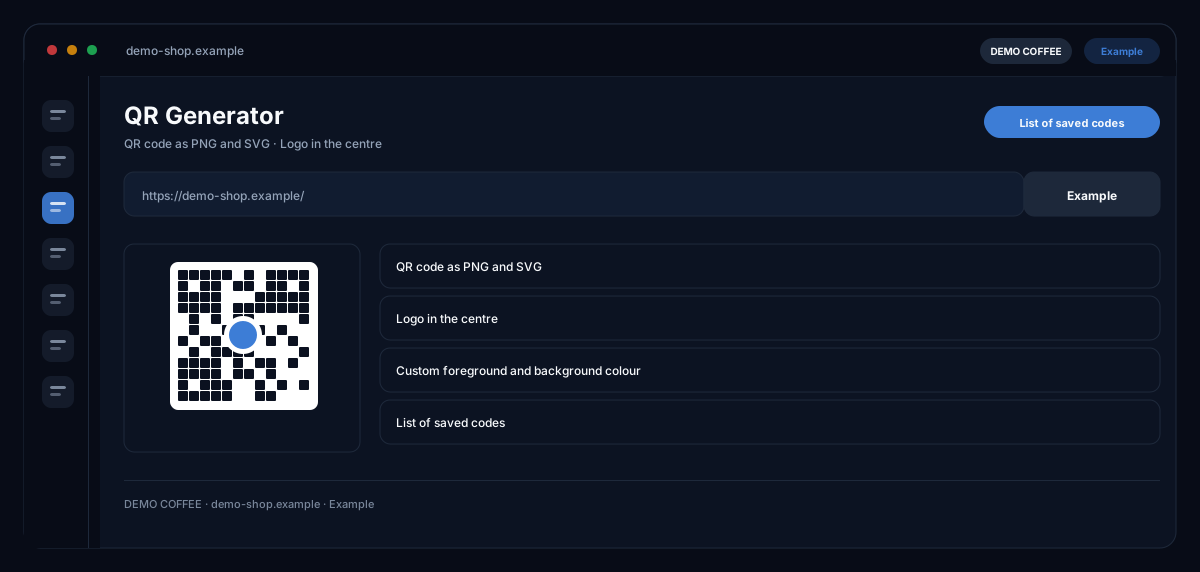
What does the QR Generator module do?
The QR Generator by ecomDNAI creates QR codes in your brand colours with the logo in the centre, counts every scan through a tracking link, lets you pause or redirect codes and delivers PNG, SVG and a print-ready PDF template.
QR codes in your colours, with your logo in the middle and at the size you need. Every code gets a name and stays saved, so you can find it again later. The SVG export stays sharp even in large-format print.
How it works
- Enter a name and the target URL
- Set colours, size and brand logo
- Generate the QR code and download it as PNG or SVG
What you get
- QR code as PNG and SVG
- Logo in the centre
- Custom foreground and background colour
- List of saved codes
Typical use cases
QR code on packaging and packing slip
You enter name and target URL, take logo and colour from the brand profile and download SVG for the printer — or the print template as PDF with quiet zone, text and frame at exactly the chosen size. One scan leads straight to the review form or the promotion page.
Measure campaigns instead of guessing
Every downloaded code encodes the tracking link: the statistics show total scans, the last scan and the codes with the most scans. With UTM parameters the scans appear in GA4 or Matomo as source "qr" instead of "direct".
One code per product
From your product list you create a batch — one code per product with a web address. For app downloads one code sends iPhones to the App Store, Android devices to Google Play and everyone else to the target URL.
Who it's for
Shops and brands with packaging, inserts and retail space, marketing teams that want offline contacts measurable, and agencies maintaining codes for client campaigns. The code is only the start — what happens at the destination is yours to design.
Frequently asked questions
Does the code stay valid if the target URL changes?
Yes. The code points to the tracking link; you change the destination in the module without reprinting. You can pause a code — scans then land on a fallback URL or a notice page — and reactivate it.
What is stored per scan?
Time, device family, referring host and language — no IP address. The statistics show scans in total, by period and per code.
Which formats can I export?
PNG at a chosen export size, SVG as a vector for any scaling and a print template as PDF. The module warns about low contrast or inverted colours that some scanners cannot read.
Which code types are there?
Web address with optional UTM parameters, app download with a device switch, contact as vCard and codes per product from the product list.
Where do I find my codes again?
In the list of saved codes with search by name or destination; every code can be edited, paused or deleted. Generated codes also sit in the asset library.