What does the Landing Page module do?
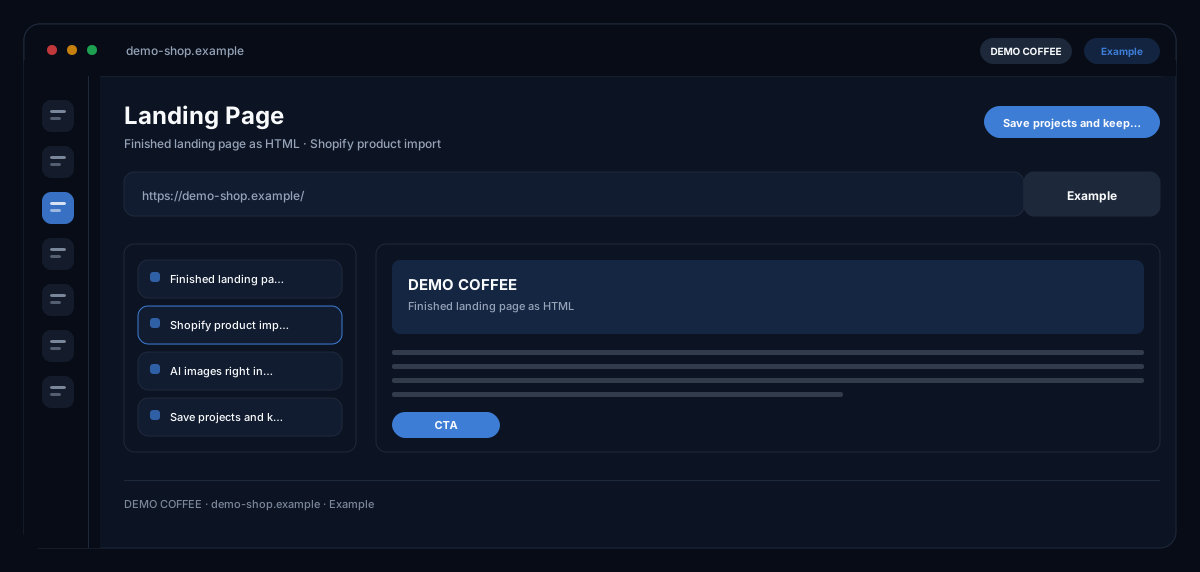
The Landing Page Builder by ecomDNAI builds pages from blocks you arrange and fill — hero, text, image, product, button — with products from Shopify, images by AI and colours and fonts from your brand identity; out comes finished HTML or a page straight in your Shopify store.
The page is built from blocks you arrange and fill — text, images, products, buttons. Products can be imported from Shopify, images generated by AI on the spot. Colours and fonts come from your brand identity; out comes ready-to-use HTML.
How it works
- Choose the start mode and arrange the blocks
- Insert copy, products and images, use the brand panel for colours and fonts
- Check the preview and export as HTML
What you get
- Finished landing page as HTML
- Shopify product import
- AI images right in the editor
- Save projects and keep editing
Typical use cases
Sales page from a description
You describe goal and offer — a sales page for a subscription with audience and benefits, say — and the AI builds structure, texts and a hero image. Then you rearrange blocks, swap images and set prices; with two prices the discount badge appears.
Campaign page from the planner
Pre-fill a page from Campaign Planner V2 or the Campaign Hub: message, offer and images come from the campaign, the brand panel sets colours, tone, typography and image guidelines.
Rework an existing Shopify page
You load a page from your connected store into the editor, edit it block by block and publish it back to Shopify — as a draft or visible right away, under the handle of your choice.
Who it's for
Shops that want to build promotion and product pages without a developer, marketing teams with frequently changing campaigns, and agencies delivering pages in the style of the client's store. The builder proposes structure, texts and images — content, prices and publishing are your responsibility.
Frequently asked questions
How do I start a page?
In four ways: tell the AI what you want; build from a campaign; import an existing Shopify page; or set every block yourself with an empty template. Saved projects can be reopened at any time.
Which blocks are there?
Hero, text, image, product and CTA — with a background colour per block, header and footer with logo, company name and links, plus SEO metadata: title, meta description, canonical URL and OG image.
Where do products and images come from?
You pick products from the connected Shopify store; images you generate directly in the editor by AI or upload your own. Colours, fonts and tone come from the brand panel of your brand identity.
How do I publish the page?
As an HTML export you can use on any server, or with a connected store as a Shopify page — with title, handle and the choice between draft and immediate publishing.
Does the page match my store's style?
With a connected Shopify store the AI can build a page oriented on the theme's look and feel; the brand identity sets colours and fonts. Without a brand identity the builder points that out.
What does a landing page cost?
AI build, campaign take-over, every generated image and the HTML export are billed in credits — through a plan or pay-as-you-go; the empty template costs nothing, and every step shows its requirement beforehand.