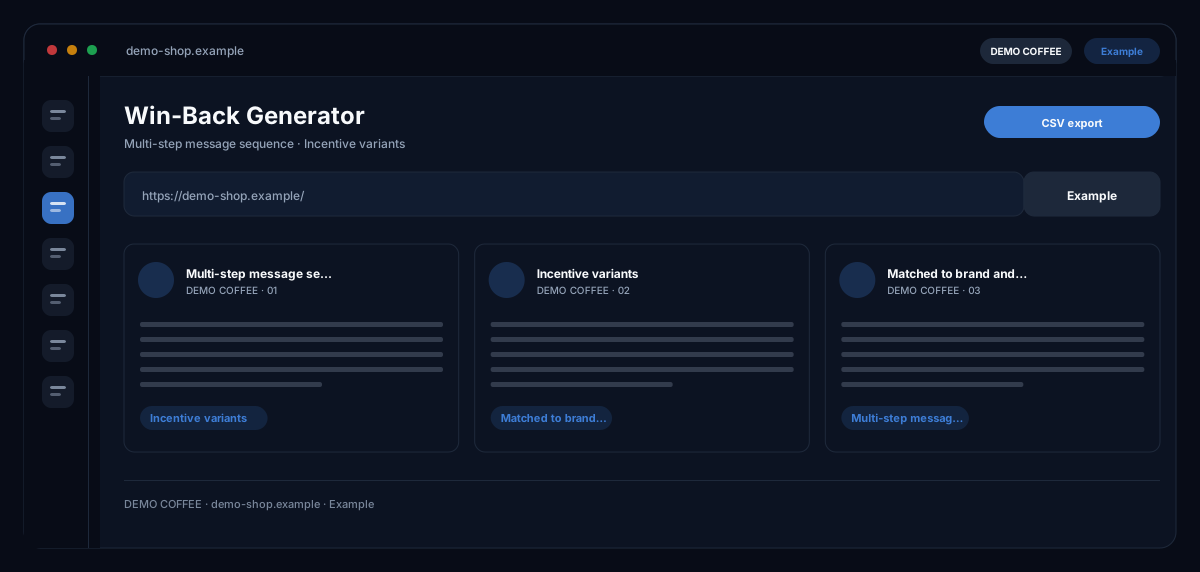
What does the Win-Back Generator module do?
The Win-Back Generator by ecomDNAI writes a sequence of three messages building on each other — email, SMS and push — for customers who have not bought for a while, from occasion, tone and incentive, fetches the matching customers from Shopify, creates the discount code there and measures redemptions.
For customers who haven't bought in a while, a multi-step win-back sequence is generated. You set the occasion, the tone and the incentive — a discount, a voucher or exclusive access — and get messages that build on each other instead of a single email.
How it works
- Choose occasion, tone and incentive
- Add brand name, target audience and product hint
- Generate the sequence and export it
What you get
- Multi-step message sequence
- Incentive variants
- Matched to brand and audience
- CSV export
Typical use cases
Customers who have not bought for 90 days
You choose the occasion — inactive for 30, 60 or 90 days or long-term reactivation — and load the matching customers from Shopify. Unsubscribed customers always drop out; whether existing customers without newsletter opt-in are included is your explicit decision, with a notice on your responsibility under German competition law (UWG).
A discount code for these customers only
The module creates the code in Shopify — valid only for the listed customers, once per customer, time-limited — and later reads the redemptions from your orders: number, revenue, customers, rate. So you see whether the sequence worked.
Cart abandonment and post-purchase
For occasions counted in hours rather than months you generate the sequence with an offset per touchpoint and export it as an ESP CSV — one row per message with placeholders — for Klaviyo, Mailchimp or Brevo.
Who it's for
Shopify shops with dormant customer lists, marketing teams running reactivation systematically rather than occasionally, and agencies setting up win-back flows for clients. The module writes, segments and measures — sending happens through your email or SMS tool.
Frequently asked questions
What is a sequence?
Three touchpoints — email, SMS and push — building on each other with a timing offset. Each touchpoint can be regenerated on its own, with an instruction such as "shorter" or "formal address", without changing the others.
Which incentives are there?
Discount, voucher, exclusive content or just a reminder. If an incentive detail is missing, the module writes the sequence without an offer — it then names no discount, price or code instead of inventing one.
How does the module handle consent?
Unsubscribed customers are always excluded. You load your own block list as addresses or CSV. Existing customers without opt-in are included only after your explicit confirmation — the notice names the conditions of Section 7(3) UWG and your responsibility.
What can I export?
CSV, HTML per message and an ESP CSV with one row per message and named placeholders for Klaviyo, Mailchimp and Brevo. A test mail goes to your account address, with visibly filled sample values.
What does a sequence cost?
Sequence, individual touchpoints and test mail are billed in credits — through a plan or pay-as-you-go; the module shows the requirement before the start. Loading the customer list, creating the code and reading redemptions cost nothing.