What does the Search Console integration module do?
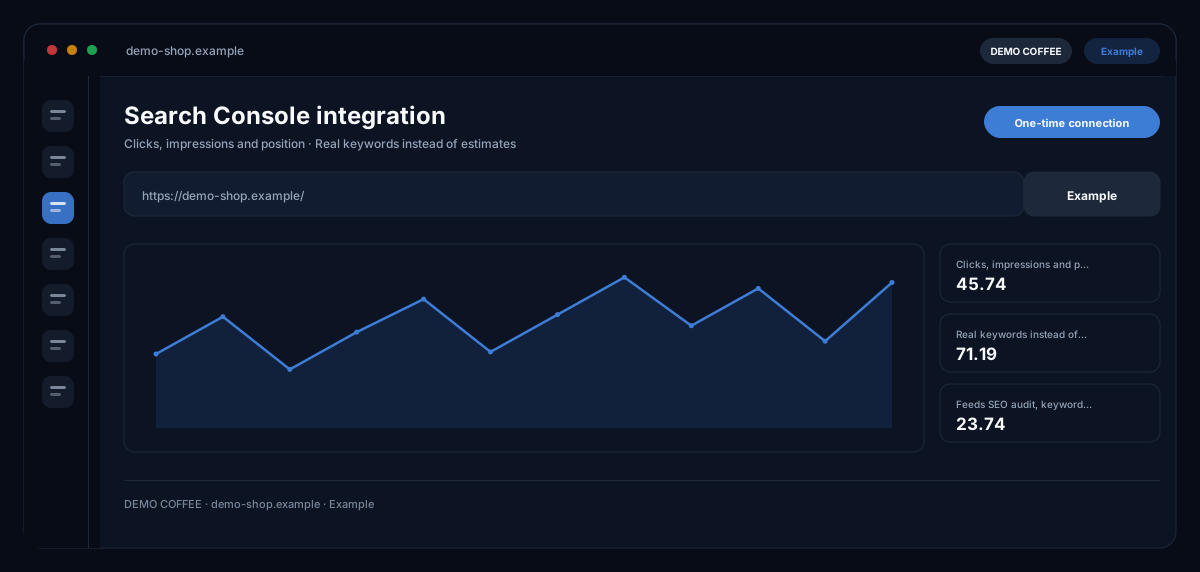
The Search Console integration by ecomDNAI connects your Google Search Console to the workspace once — after that, SEO Audit and Keyword Visibility work with your real numbers: clicks, impressions, position and the queries you actually appear for.
You connect your Google Search Console once — after that the SEO audit, keyword visibility and CRO work with your real numbers: clicks, impressions, position. Recommendations then rest on measured data instead of estimates.
How it works
- Connect the Google account and grant access to the property
- Assign the website to the modules
- SEO, keyword and CRO modules now use real numbers
What you get
- Clicks, impressions and position
- Real keywords instead of estimates
- Feeds SEO audit, keyword visibility and CRO
- One-time connection
Typical use cases
SEO audit with real keywords
You connect the Google account, grant access to the property and see in the audit the queries with clicks, impressions and position — the recommendations rest on measured data rather than assumptions.
Keyword visibility at no extra cost
In Keyword Visibility, Search Console data complement the rankings free of charge: opportunity keywords and gaps become visible from what Google already shows you for.
Agency with several client properties
Every connection shows only the verified properties of the signed-in Google account. Shares in the workspace govern who may use the connection; if you remove it, the stored tokens are deleted.
Who it's for
Anyone who wants to base SEO decisions on measured numbers: shop owners with their own property, SEO teams and agencies with client properties. The integration delivers data — what you derive from them you decide in the modules.
Frequently asked questions
Which modules use the connection?
The SEO Audit (Search Console keywords, clicks, impressions, position) and Keyword Visibility (opportunities and gaps). Both show whether the Search Console is connected for the website.
What does ecomDNAI see of my Google account?
Only the Search Console properties you are verified for and their performance data. The connection runs through Google sign-in; you can remove it at any time — the stored tokens are then deleted.
Do I have to verify the domain separately?
Usually not — the Google sign-in shows your verified properties. For access through an API key the SEO module offers verification by DNS record.
Does the integration cost credits?
No. Connection and data retrieval are part of the module; credits are billed for the analyses in SEO Audit and Keyword Visibility that the data feed into.