What does the SEO Audit module do?
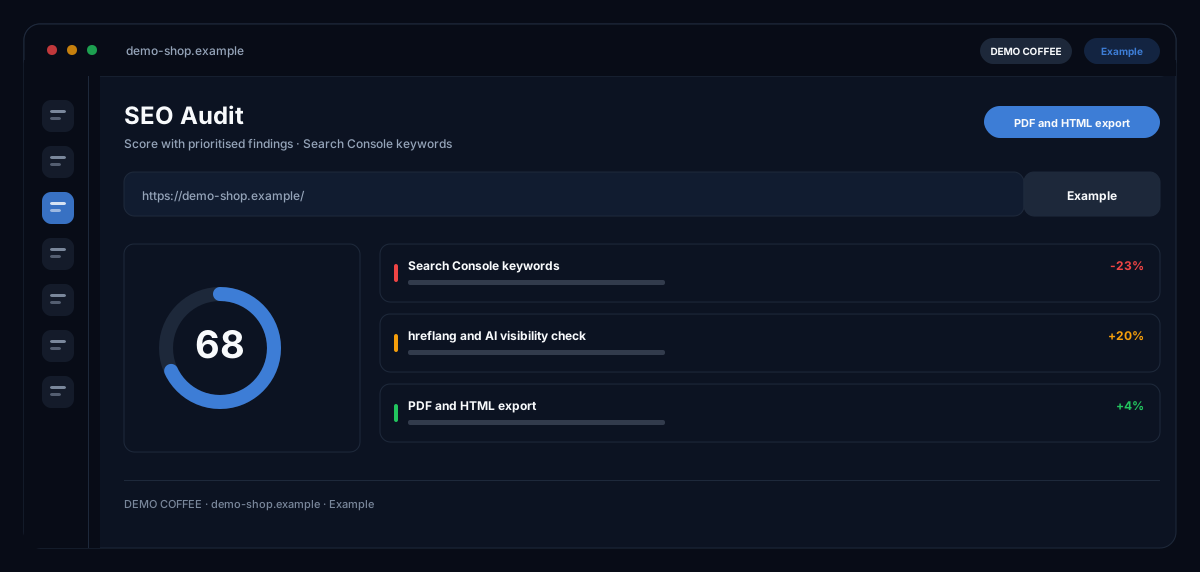
The SEO Audit by ecomDNAI checks a single page or your entire website, rates the page signals in nine core categories and sorts the findings by what brings the most — with Search Console data when your property is connected, and its own check of visibility in AI search.
You check a single page or the whole website. The audit rates the page signals, names the problems and sorts them by impact. With Google Search Console connected, real clicks and positions feed in — and the optimiser writes the missing copy right away.
How it works
- Enter the website URL and pick the scope: single page or entire site
- Set analysis language and target audience
- Run the audit, work through the findings, generate the content directly
What you get
- Score with prioritised findings
- Search Console keywords
- hreflang and AI visibility check
- PDF and HTML export
Typical use cases
Check a landing page before the campaign starts
You enter the URL, choose "Single page" and the analysis depth. The audit delivers overall score, Google SERP preview, current meta tags and instant recommendations — title and description lengths, missing H1 or weak internal linking, say — and generates the missing texts right away.
Screen the whole website
The site audit crawls the pages and bundles common problems: pages without title, without meta description, without H1, duplicate titles — with the number of pages crawled and the list of affected pages per problem.
Gauge visibility in AI search
The AI visibility tab checks whether your page is findable and quotable for ChatGPT, Claude, Perplexity, Google AI Overview and Gemini: access for AI crawlers, llms.txt, AI-relevant schemas, answer readiness for featured snippets and voice search.
Who it's for
Shop owners and marketing teams who look after their own website, SEO leads who want findings prioritised rather than collected, and agencies that deliver audits to clients as PDF. The audit shows what is missing and writes copy on request — which changes go live is your call.
Frequently asked questions
What does the audit check?
Titles, meta descriptions, headings, keyword usage and internal linking; content depth, readability and uniqueness; load time, mobile friendliness, crawlability, structured data and HTTPS; Core Web Vitals; an estimate of domain authority and backlink profile, plus readiness for AI-generated search results.
What does the analysis depth mean?
Three levels: the quick check with core categories, overall score, meta tags and top recommendations; the extended analysis with more categories, code examples and a competitor comparison; the premium audit with maximum depth and a priority matrix. The level sets scope and credit requirement — both shown before the start.
How do my Search Console data get in?
You connect your Google account and grant access to the property; after that you see only your own verified properties. Clicks, impressions and positions flow into audit and recommendations. The connection can be removed at any time — the stored tokens are then deleted.
Does the module also write the missing texts?
Yes. From the findings it generates meta tags, keywords, SEO copy, FAQ entries and GEO tips at a depth you choose — and translates them into further languages on request. The AI assistant answers follow-up questions about the audit; the history is kept.
Does the audit check multilingual sites?
Yes. A dedicated panel checks the hreflang markup so Google shows each language version to the right audience.
How do I get the result out of the module?
As a PDF report or as HTML — both through the export dialog. Audits stay saved as a project so you can measure again after implementation.