What does the Content Calendar module do?
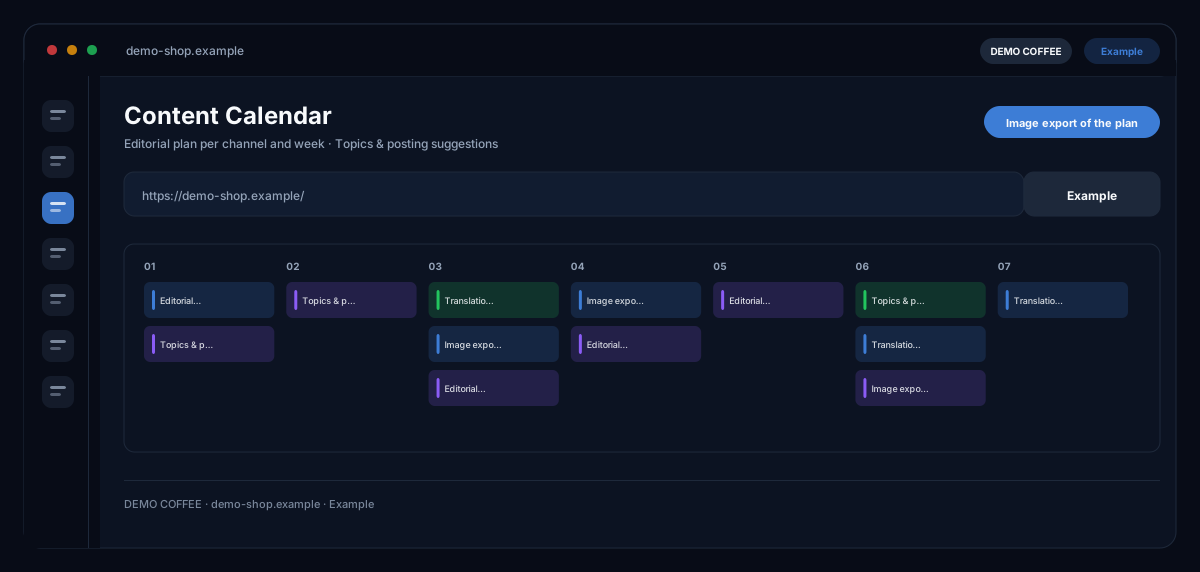
The Content Calendar by ecomDNAI creates an editorial plan over the number of weeks you choose from website, industry, target audience and campaign goal — with topics and posting suggestions per channel, from Facebook and Instagram to blog and newsletter.
You pick the campaign goal, the channels and how many weeks — the AI turns that into an editorial plan with topics and dates. An in-module assistant moves, adds and sharpens single entries. The finished plan can be translated into further languages.
How it works
- Enter website, industry and target audience
- Choose campaign goal, channels, number of weeks and content language
- Generate the plan and refine it in the assistant
What you get
- Editorial plan per channel and week
- Topics & posting suggestions
- Translation into further languages
- Image export of the plan
Typical use cases
Plan a quarter of social media ahead
You choose the campaign goal — brand awareness or lead generation, say — and the number of weeks. The plan delivers topics and posting suggestions per week and channel; open a single entry as a full post and create the matching visual in the image or video studio.
Sharpen the plan in conversation
The AI campaign assistant improves the strategy, delivers new content ideas, optimises timing or suggests hashtags — as a conversation about your specific plan, not a new generation from scratch.
One plan for several markets
Once the plan is done, translate it into further languages. Topics and dates stay the same, the texts come in the target language — one plan, several countries.
Who it's for
Marketing teams and shop owners who want to post regularly without starting from zero every week, and agencies that run editorial plans for several brands. The calendar provides the frame and the suggestions — which topics you adopt and when you publish is up to you.
Frequently asked questions
Which channels does the calendar cover?
Facebook, Instagram, LinkedIn, TikTok, X (Twitter), YouTube, Pinterest, blog and newsletter. Every entry is assigned to a channel and a week.
How long can a plan be?
You choose the number of weeks in the form — from a single week up to eight weeks in one go. Before generation a campaign brief shows what the AI will receive.
Can I change individual entries afterwards?
Yes. Entries can be edited, expanded into a full post and given an image; the AI campaign assistant moves, adds and sharpens individual points in conversation.
Does my brand identity feed in?
With the "Use my brand identity" switch you apply colours, style and logos from your profile and choose which elements apply. You set up the brand identity once in your profile.
What does a calendar cost?
Generation, translation and images are billed in credits — through a plan or pay-as-you-go; you see the credit requirement before the start. Signing up is free and needs no credit card.