What does the Image Translation module do?
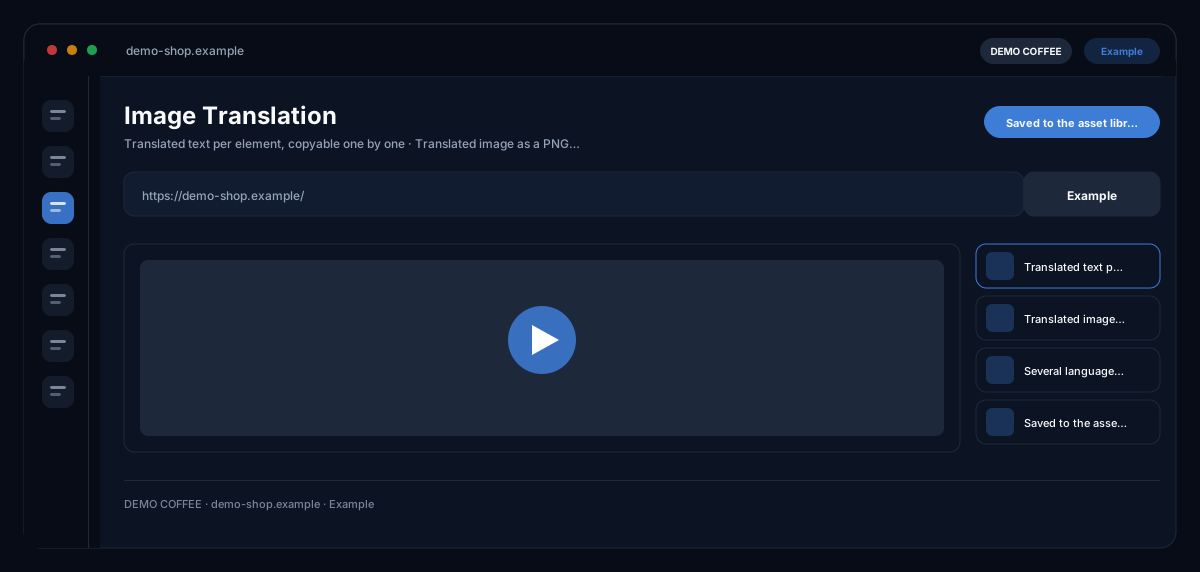
ecomDNAI's image translation reads the text in an image, translates it into one of over 30 languages, lets you check every translation and then rebuilds the image in the target language.
The AI reads the text in your image, translates it into the target language and shows every text element for you to check and adjust. It then rebuilds the image with the new text and aims to keep the design, colours and layout. Image translation is part of the Image Generator, the Image Modifier, Amazon A+ and the Product Texter.
How it works
- Open the image in the Image Generator, Image Modifier, Amazon A+ or Product Texter
- Pick the target language: the AI reads and translates the text in the image
- Check and adjust the translations, then generate the translated image
What you get
- Translated text per element, copyable one by one
- Translated image as a PNG download
- Several language versions side by side
- Saved to the asset library
Typical use cases
An ad for a new market
Your visual with headline and CTA exists in German. You pick French, check the translated lines and generate the French version without redesigning the visual.
A+ images for more marketplaces
In Amazon A+ every generated image has its own translation tab, so existing visuals become image versions for more countries.
Settle the wording before the image
The translation first appears as a list per text element, with notes on cultural adaptation. You change the wording before the image is built and can regenerate it as often as you like.
Who it's for
Shops and brands that sell in several countries, marketing teams with visuals in many languages and agencies that localise campaigns. The original image stays untouched; every language is its own version.
Frequently asked questions
Where do I find image translation?
In the Image Generator, the Image Modifier, the A+ images in Amazon A+ and the image area of the Product Texter. It works on the image that is already open there.
Which languages are available?
Over 30, including English, German, French, Spanish, Italian, Dutch, Portuguese and Polish, plus for example Arabic, Chinese, Japanese and Turkish. The AI detects the source language itself.
Does the design stay exactly the same?
The AI rebuilds the image and is instructed to keep the design, colours, fonts and layout. A pixel-identical result is not guaranteed; if a result does not fit, generate it again.
Can I translate into several languages at once?
You translate one language after another. The versions stay side by side, and every generated image is saved to the asset library.