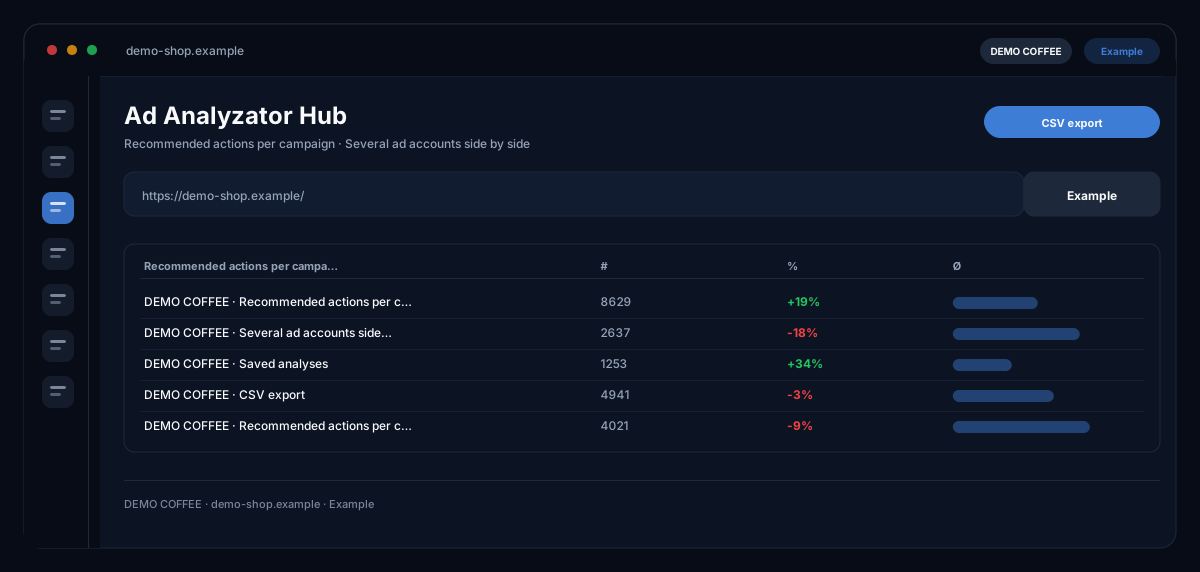
What does the Ad Analyzator Hub module do?
The Ad Analyzator Hub by ecomDNAI reads your ad reports — Google Ads, Meta, LinkedIn, Microsoft Ads, Amazon Advertising, eBay, Matomo — and turns them into concrete to-dos: which campaign to pause, where to raise the bid, what can be scaled; several ad accounts sit side by side.
You upload the report from Google Ads, Meta or LinkedIn — the hub reads it and says what to do: which campaign to pause, where to raise the bid, what to scale. Several ad accounts can be managed side by side and earlier analyses stay saved.
How it works
- Choose the channel and upload the report file
- Assign the ad account
- Review the analysis: recommended actions per campaign
What you get
- Recommended actions per campaign
- Several ad accounts side by side
- Saved analyses
- CSV export
Typical use cases
Translate the monthly report into decisions
You choose the channel, upload the report as CSV or Excel — or use the API connection — and assign the ad account. The hub delivers top action recommendations per campaign, detected ad fatigue, A/B test suggestions and a before/after projection.
Put two periods side by side
A second report for the same account shows what changed — last month against the current one, say. Evaluations stay saved so you can look back at any time.
Several clients, several accounts
In the account manager you create ad accounts per platform and evaluate them separately. The AI ad consultant answers follow-up questions about the report, and the hub says which channels you should still build or expand — with step-by-step instructions.
Who it's for
Shop owners who run their own ad accounts, marketing teams with several channels, and agencies evaluating reports for clients regularly. The hub recommends — changing bids, pausing and scaling you do in your ad account.
Frequently asked questions
Which channels are supported?
Google Ads, Meta (Facebook and Instagram), LinkedIn Ads, Microsoft Ads (Bing), Amazon Advertising, eBay and Matomo Analytics — each by CSV or Excel upload, some additionally by API connection.
How do I export the report from my ad account?
Through the reporting function of the respective account as CSV; the hub shows the way per channel. If the file lacks the expected columns, the analysis says what is missing.
What do I get back?
Optimisation recommendations per campaign with priority, notes on ad fatigue, A/B test and lookalike suggestions, an export of negative keywords and a projection of what the changes could bring.
Are my evaluations kept?
Yes, per ad account in the saved reports; a comparison with a second report is possible at any time.
What does an evaluation cost?
Every analysis and every question to the AI consultant is billed in credits — through a plan or pay-as-you-go; the module shows the requirement before the start. Uploading and saving cost nothing.