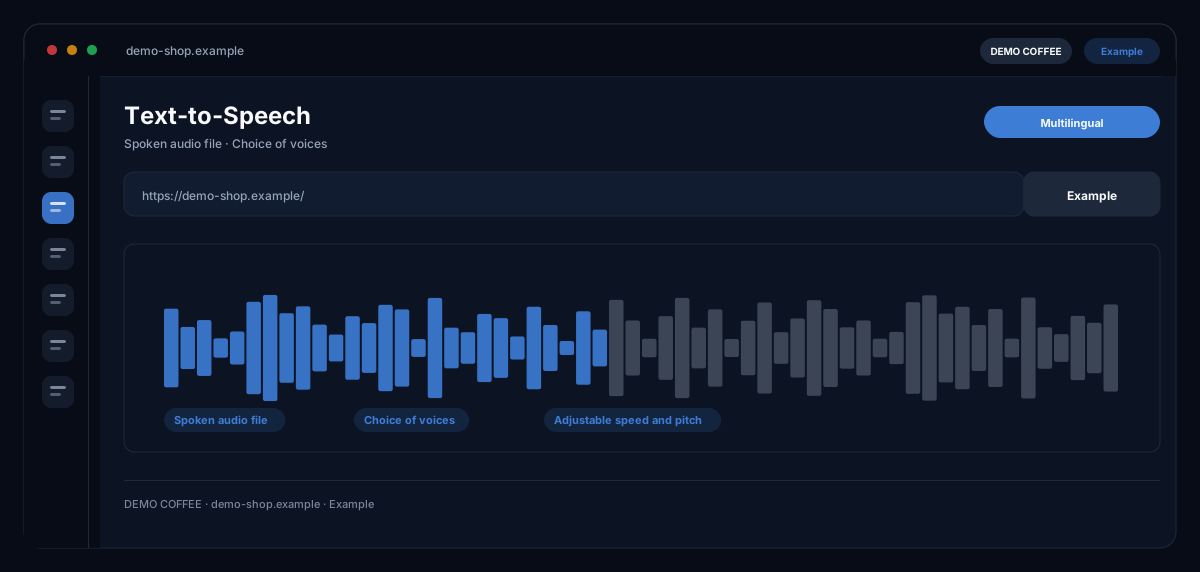
What does the Text-to-Speech module do?
Text-to-Speech by ecomDNAI turns text into spoken language for announcements, voicemail texts and voice bots — with a selectable voice and language, a simple voice with adjustable speed and pitch or an HD voice at natural pace, as MP3 or WAV.
Text becomes spoken audio — you set voice, language, speed and pitch yourself. Built for announcements, voicemail messages and voice bots that shouldn't have to be re-recorded every time.
How it works
- Enter the text
- Set voice, language, speed and pitch
- Play it back and take the audio file
What you get
- Spoken audio file
- Choice of voices
- Adjustable speed and pitch
- Multilingual
Typical use cases
Phone announcement in several languages
You enter the announcement text, choose language and voice and listen to a short sample before generating. The finished file you load into your phone system as MP3 or WAV.
Voicemail text that need not be re-recorded
If the text changes — opening hours, holidays, promotions — you change it here and generate the announcement again, with the same voice as before.
From customer service into the voice
Replies from the Reply Assistant and saved text blocks you take into text-to-voice with one click — for voice bots and voice dialogues in service.
Who it's for
Shops and service providers with a hotline or voicemail, service teams maintaining announcements without a studio, and agencies delivering audio files for clients. The module creates the audio file — integration happens in your phone system or bot.
Frequently asked questions
Which voices are there?
A simple voice with adjustable speed and pitch and an HD voice that speaks at its natural pace. Which voices are available for a language is shown in the selection — not every language has every voice.
Can I hear the voice beforehand?
Yes. A short sample is free; only the actual generation is billed — and only once playback actually starts.
In which formats do I get the file?
As MP3 or WAV to download. The MP3 carries a machine-readable label as AI-generated speech.
Is there a text limit?
Yes; if the text is longer than allowed, the module asks you to shorten it. Split longer announcements into several files.
What does a speech output cost?
Every generation is billed in credits — through a plan or pay-as-you-go; the module shows the requirement before the start. If the voice does not start, nothing is charged.